Presence Sensor Integration with Home Assistant, HomeKit, and SmartThings
How to integrate a mmWave presence sensor with Home Assistant, Apple HomeKit, Samsung SmartThings, and Alexa. Zigbee, WiFi, and Matter presence sensor setup guide for smart home automation.
Why integrate a presence sensor with smart home platforms
A presence sensor is only useful if it can trigger automations. Integrating a presence sensor with Home Assistant, Apple HomeKit, SmartThings, or Alexa turns raw occupancy data into smart actions: turning on lights when someone enters, setting back HVAC when a room is empty, or notifying housekeeping that a hotel room is vacant. This guide covers how to connect a mmWave presence sensor to each major smart home platform. For hotel deployments specifically, our ceiling presence sensor with Zigbee is designed for whole-floor mesh automation, and the hotel room occupancy solution shows how presence-based automations replace PIR across an entire property.
Presence sensor + Home Assistant
Home Assistant is the most popular open-source smart home platform, and a presence sensor is one of its most requested integrations. Home Assistant presence sensor setup depends on the protocol:
Zigbee presence sensor + Home Assistant
A Zigbee presence sensor connects to Home Assistant through a Zigbee coordinator (ZBDongle-E, Sonoff Zigbee 3.0 USB dongle, or SkyConnect). Once paired, the presence sensor appears as an occupancy sensor entity in Home Assistant. The presence sensor reports "on" when a person is detected (including sleeping) and "off" when the room is vacant.
To set up a Zigbee presence sensor in Home Assistant:
- Plug in a Zigbee coordinator USB dongle
- Enable the ZHA or Zigbee2MQTT integration in Home Assistant
- Put the presence sensor into pairing mode
- The presence sensor auto-discovers as an occupancy entity
- Create automations:
when presence sensor turns on → turn on lights
The advantage of a Zigbee presence sensor in Home Assistant is mesh reliability — the presence sensor repeats the mesh signal, extending range across the building.
WiFi presence sensor + Home Assistant
A WiFi presence sensor connects to Home Assistant through the Tuya integration or local MQTT. The WiFi presence sensor pairs with the Tuya Smart Life app first, then Home Assistant discovers it via the Tuya integration. The presence sensor reports occupancy state and can trigger any Home Assistant automation.
Matter presence sensor + Home Assistant
A Matter presence sensor connects natively to Home Assistant via Matter (no bridge needed). The presence sensor commissions through a QR code, and Home Assistant auto-discovers the presence sensor as a Matter occupancy sensor. This is the simplest presence sensor integration path for Home Assistant.
Presence sensor + Apple HomeKit
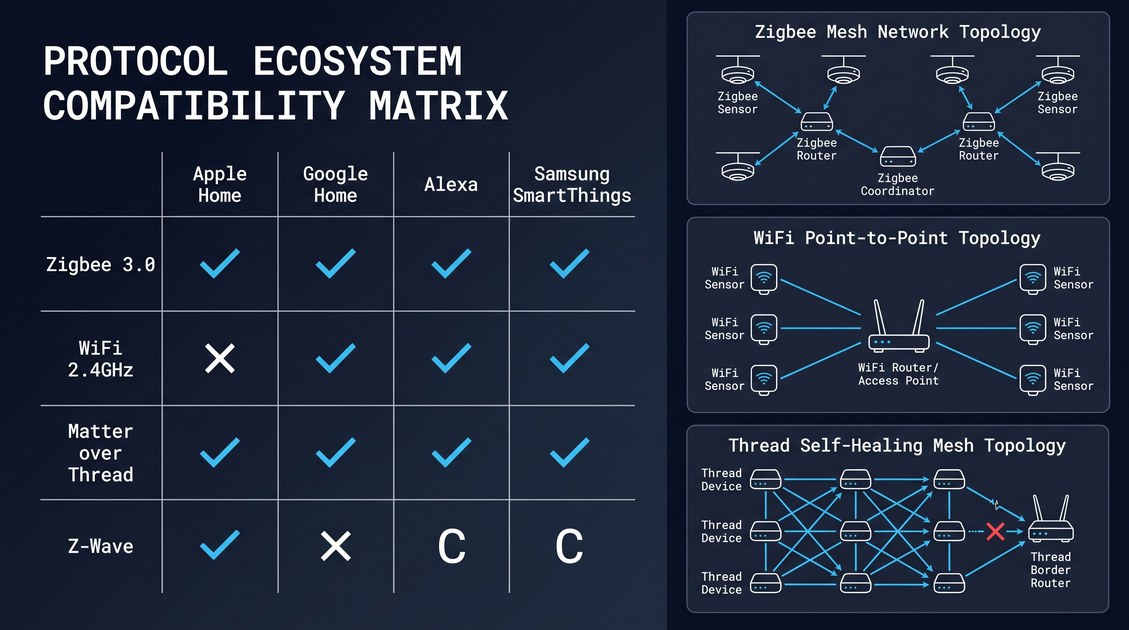
Apple HomeKit supports occupancy sensors natively. A Matter presence sensor connects directly to HomeKit via Thread — no bridge or hub required (an Apple TV 4K or HomePod mini acts as the Thread border router). The presence sensor appears as an occupancy sensor in the Home app, and you can create automations like "when presence sensor detects occupancy → turn on the bedroom light."
For Zigbee presence sensors, a HomeKit bridge (like the Aqara Hub or Hubitat) is needed to expose the presence sensor to HomeKit. A WiFi presence sensor with Tuya support can use the Tuya HomeKit integration.
Presence sensor + Samsung SmartThings
SmartThings supports both Zigbee and Matter presence sensors. A Zigbee presence sensor pairs directly with a SmartThings hub (Aeotec Smart Home Hub or Samsung SmartThings Station). A Matter presence sensor connects natively via Thread without a hub. The presence sensor appears as an occupancy sensor in the SmartThings app, and automations can be created using SmartThings Routines.
The presence sensor integration with SmartThings is particularly useful for Samsung ecosystem users who want presence-based automations without Home Assistant.
Presence sensor + Alexa
Alexa does not natively support occupancy sensors, but a presence sensor can trigger Alexa routines through a skill or virtual contact sensor. The most common path: connect the WiFi presence sensor to Tuya, link Tuya to Alexa via the Tuya skill, and create an Alexa routine triggered by the presence sensor state. A Matter presence sensor may also connect to Alexa via Echo devices that support Matter.
Choosing the right presence sensor protocol for your platform
| Platform | Best presence sensor protocol | Setup difficulty |
|---|---|---|
| Home Assistant | Zigbee presence sensor (mesh) or Matter presence sensor | Easy |
| Apple HomeKit | Matter presence sensor (Thread) | Very easy (QR code) |
| SmartThings | Zigbee or Matter presence sensor | Easy |
| Alexa | WiFi presence sensor (via Tuya skill) | Medium |
For multi-platform installations, a Matter presence sensor is the best choice — it works with Home Assistant, HomeKit, SmartThings, and Alexa from a single commissioning. For Home Assistant-only installations, a Zigbee presence sensor offers the best mesh reliability at scale. If you are sourcing sensors for a commercial rollout, our ceiling presence sensor with Matter and ceiling presence sensor with WiFi cover the same hardware platform so you can mix protocols per zone without changing firmware.
Presence sensor automation examples
Once your presence sensor is integrated, here are practical automations:
- Hotel room: presence sensor "occupied" → turn on lights and set HVAC to comfort; presence sensor "vacant" → turn off lights and set HVAC to setback
- Meeting room: presence sensor "occupied" → mark room as in-use in booking system; presence sensor "vacant" for 10 min → release the booking
- Bedroom: presence sensor detects occupancy + time is after 10 PM → activate "sleep" scene (dim lights, lock doors, arm security)
- Bathroom: presence sensor "occupied" → turn on exhaust fan; presence sensor "vacant" for 5 min → turn off fan
- Elder care: presence sensor detects occupancy in bedroom for >12 hours → alert caregiver
The presence sensor is the trigger; the smart home platform is the brain. Together, a presence sensor and Home Assistant (or HomeKit/SmartThings) create automations that a motion sensor simply cannot — because the presence sensor knows the room is occupied even when no one moves.
Calibration: eliminating false triggers in real rooms
A presence sensor that fires on pets, ceiling fans, or HVAC airflow is worse than no sensor. Calibration is what separates a reliable mmWave presence sensor from a generic clone. After pairing your presence sensor, open the integration's calibration panel and tune three parameters: detection radius, dwell time, and sensitivity. Set detection radius to the room boundary — a bedroom presence sensor should not see the hallway. Set dwell time (vacancy delay) to 30–60 seconds for living spaces, 5 minutes for bathrooms where someone may stand still under the fan. Lower sensitivity reduces pet false-positives; most ceiling presence sensor models ship with a pet-filter algorithm, but a cat on the bed still needs a tuned threshold. Our ceiling presence sensor with Zigbee exposes all three via the Tuya or Zigbee gateway, and our hotel room occupancy solution documents the calibration profile we validate per room type before shipment.
Multi-room and whole-floor rollouts
One presence sensor per room is the rule for reliable occupancy. A ceiling presence sensor covers a standard hotel room from a single mount at 3 m height; stacking two sensors in a large suite doubles cost without improving accuracy. For whole-floor deployments, a Zigbee presence sensor mesh is the lowest-friction path: each presence sensor repeats the signal, so a distant room reaches the coordinator through its neighbors. A WiFi presence sensor needs per-room WiFi coverage and a stable access point density; a Matter presence sensor needs a Thread border router per floor. The ceiling presence sensor with Matter and ceiling presence sensor with WiFi share the same radar core as the Zigbee model, so detection behavior is identical — only the transport differs. For a side-by-side spec comparison across all five models, see the full presence sensor product lineup.
Power, wiring, and installation practicalities
A ceiling presence sensor typically runs on DC5V over a two-wire drop or PoE for wired models; the 60GHz wired unit discussed earlier uses 24V DC. A wall-mount presence sensor drops into an 86 mm wall box, reusing existing switch wiring — the fastest retrofit path when ceiling cuts are impractical. Battery models exist but trade dropout risk for install speed; for always-on occupancy automation, wired wins. Mount the presence sensor away from direct HVAC vents and rotating fans, with the antenna facing the occupancy zone. Our wall mount mmWave presence sensor ships with a faceplate config (blank / 1-gang / 2-gang) so it blends into existing switch positions.
Conclusion
Integrating a presence sensor with your smart home platform is straightforward with the right protocol. For Home Assistant users, a Zigbee presence sensor or Matter presence sensor offers the best experience. For Apple HomeKit, a Matter presence sensor is the simplest path. For Alexa, a WiFi presence sensor via Tuya works well. Whatever platform you choose, a true mmWave presence sensor — one that detects breathing, not just movement — is the foundation of reliable occupancy automation. A presence sensor that falsely reports "vacant" while someone is sleeping will break every automation it touches. Calibrate radius, dwell time, and sensitivity per room, pick the protocol that matches your gateway, and source from a manufacturer that validates detection before shipment. To compare all models and protocols side by side, see the full presence sensor product lineup.
Not sure which sensor fits your project?
Talk to our mmWave application engineers for a free consultation.
Find the right presence sensor for your hotel project
Compare the 3 protocols, check hotel-specific case studies, and download the installation guide
Related products
3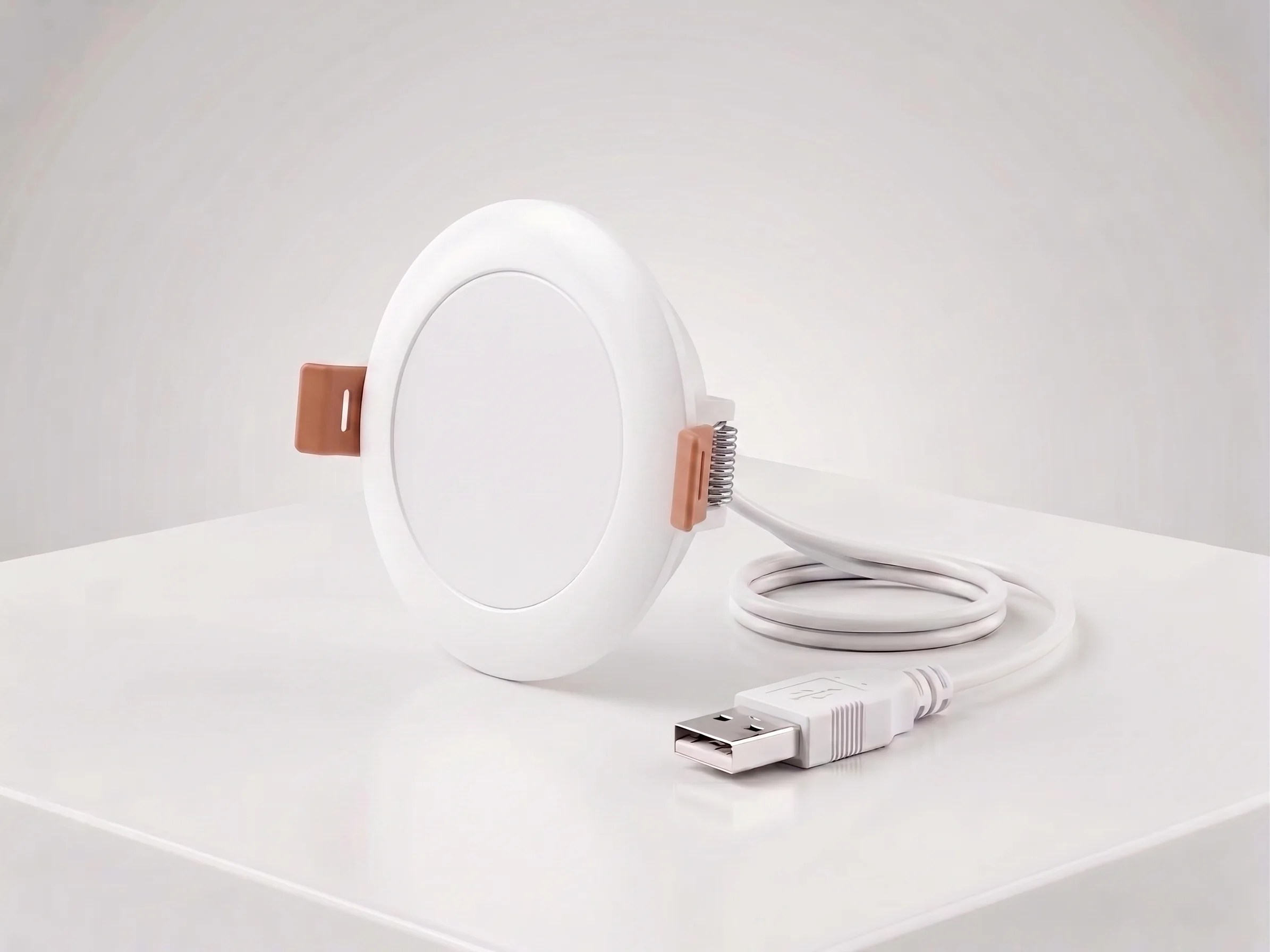
Ceiling Mount mmWave Human Presence Sensor — Zigbee
24GHz wideband mmWave ceiling presence sensor with 10m motion detection, 2.5m micro-motion, and breathing detection. 120° field, DC5V, Zigbee 3.0. For hotel room occupancy and commercial automation.
This page already points to it as the next recommended reference.
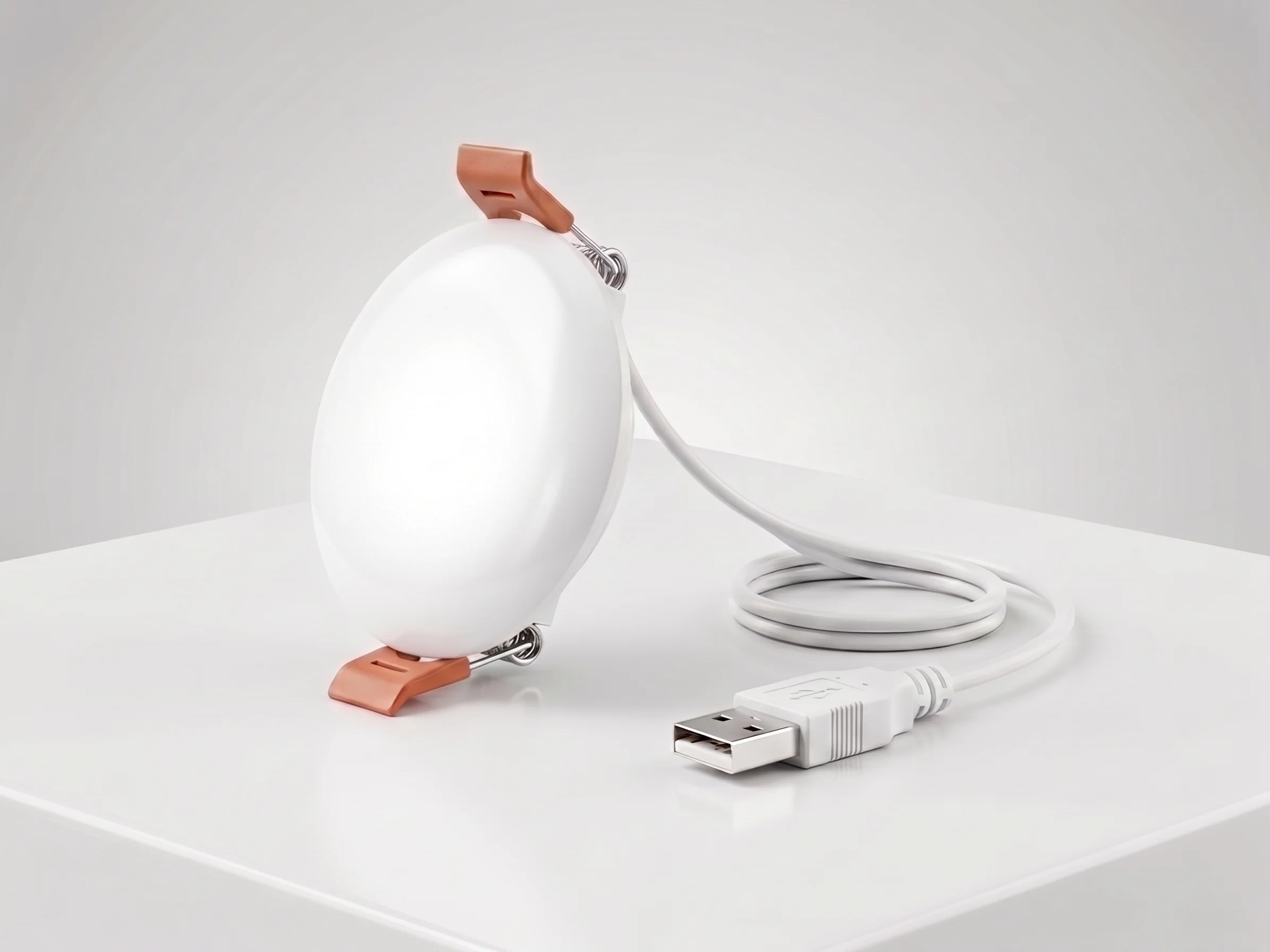
Ceiling Mount mmWave Human Presence Sensor — WiFi
24GHz wideband mmWave ceiling presence sensor with 10m motion detection, 2.5m micro-motion, and breathing detection. 120° field, DC5V, WiFi 2.4GHz. No gateway required for retrofit hotel and apartment projects.
This page already points to it as the next recommended reference.
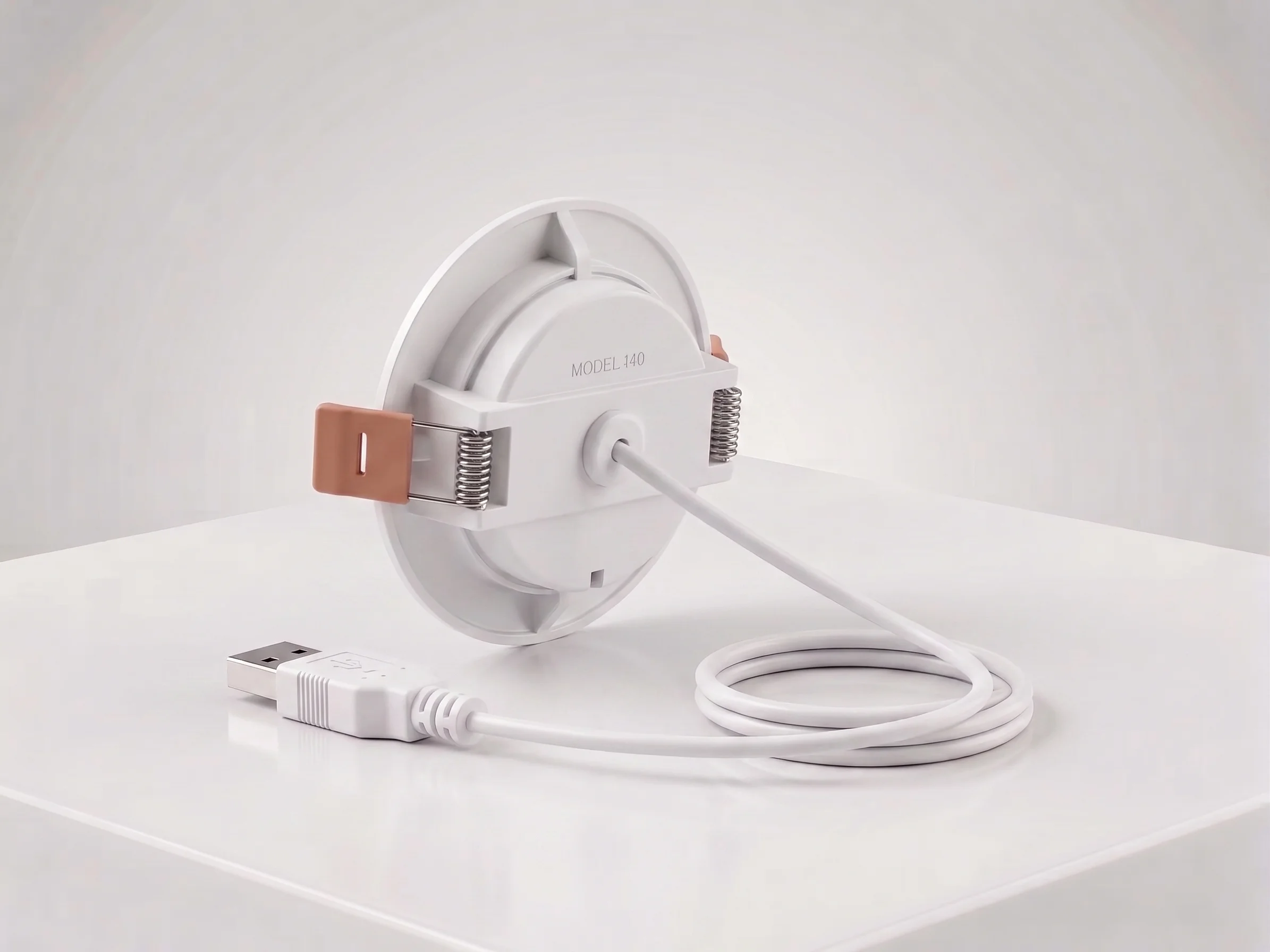
Ceiling Mount mmWave Human Presence Sensor — Matter over Thread
24GHz wideband mmWave ceiling presence sensor with 10m motion, 2.5m micro-motion, and breathing detection. 120° field, DC5V, Matter over Thread. Works natively with Apple Home, Google Home, and Alexa.
This page already points to it as the next recommended reference.
Related solutions
1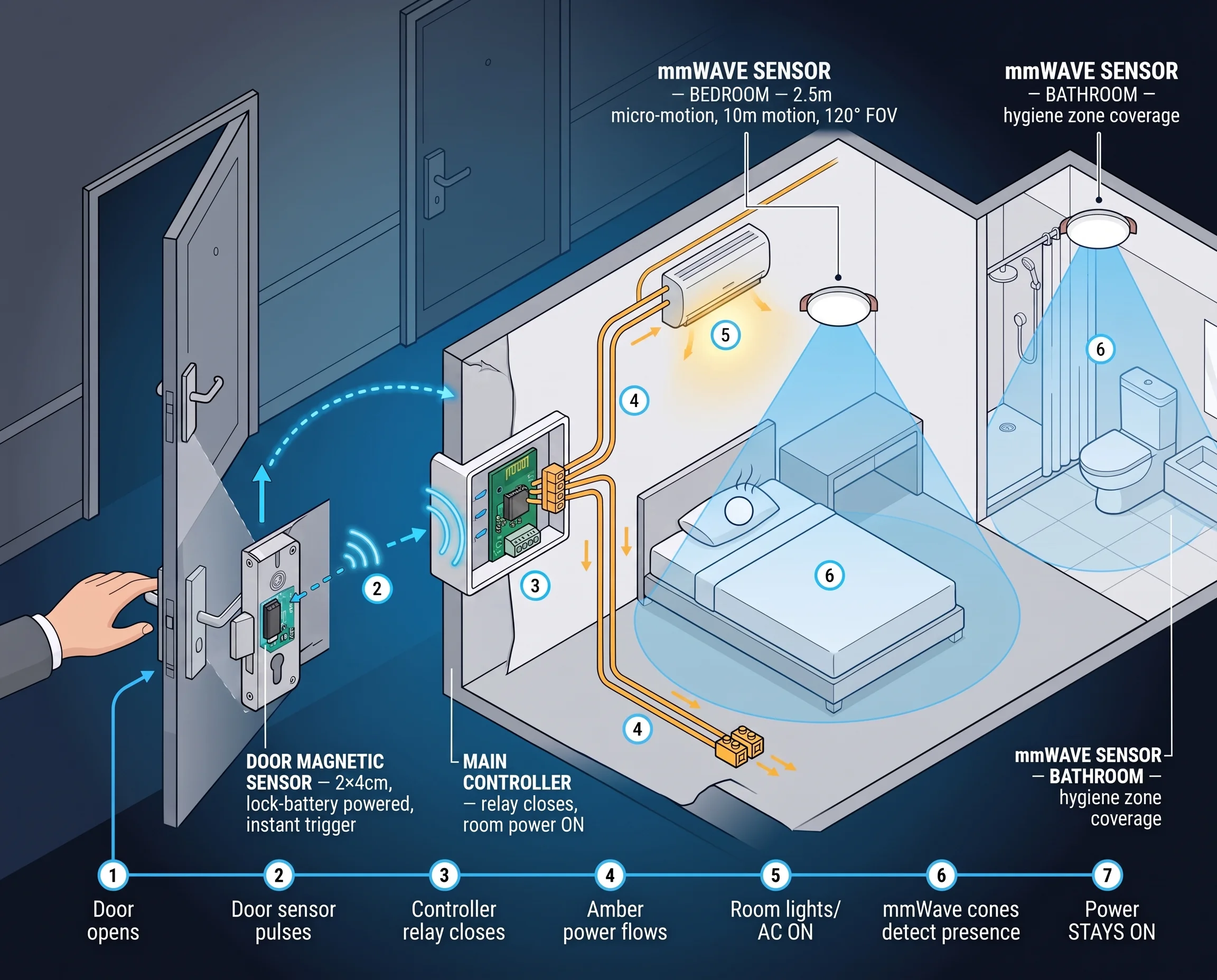
Hotel Room Occupancy & Motion Sensor Solution
mmWave radar presence sensors for hotel room occupancy, housekeeping scheduling, and HVAC energy saving. Detect true occupancy — even when the guest is asleep — with our ceiling-mount hotel room motion sensor.
It supports the same product context: Ceiling Mount mmWave Human Presence Sensor — Zigbee, Ceiling Mount mmWave Human Presence Sensor — WiFi, Ceiling Mount mmWave Human Presence Sensor — Matter over Thread.
Related blog posts
3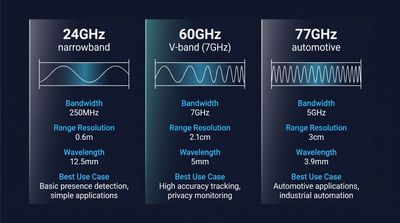
60GHz vs 24GHz vs 77GHz mmWave Sensors: Choosing the Right Frequency for Commercial Presence Detection
Compare 60GHz, 24GHz, and 77GHz mmWave sensors for commercial presence detection. Technical specs, detection range, privacy, and OEM sourcing guidance.
It supports the same product context: Ceiling Mount mmWave Human Presence Sensor — Zigbee, Ceiling Mount mmWave Human Presence Sensor — WiFi.
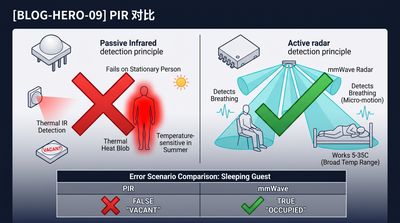
What Is an Electronic Presence Sensor? Technology, Accuracy, and How It Differs From a Motion Sensor
Learn what an electronic presence sensor is, how it detects stationary humans, and how it differs from a PIR motion sensor. Covers mmWave, accuracy, and use cases.
It supports the same product context: Ceiling Mount mmWave Human Presence Sensor — Zigbee, Ceiling Mount mmWave Human Presence Sensor — WiFi, Ceiling Mount mmWave Human Presence Sensor — Matter over Thread.
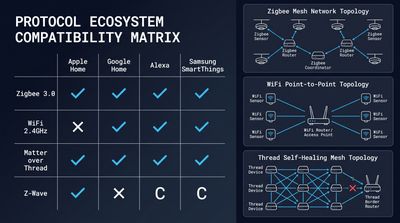
How to Integrate mmWave Presence Sensors With Home Assistant (Local Control Guide)
Step-by-step local control setup guide for mmWave devices, covering MQTT/Matter config, automation scripts, calibration and OEM ceiling presence sensor integration tips.
It supports the same product context: Ceiling Mount mmWave Human Presence Sensor — Matter over Thread, Ceiling Mount mmWave Human Presence Sensor — WiFi, Ceiling Mount mmWave Human Presence Sensor — Zigbee.
Specify your hotel project with our engineers
Send your room count, ceiling type, and protocol preference. We will return a sample plan and quote within 24 business hours.
- Move from general guidance into a product or application discussion.
- Use RFQ when pricing, drawings, MOQ, or launch timing needs structure.
- Keep a direct contact path visible for fast clarifications and handoff.